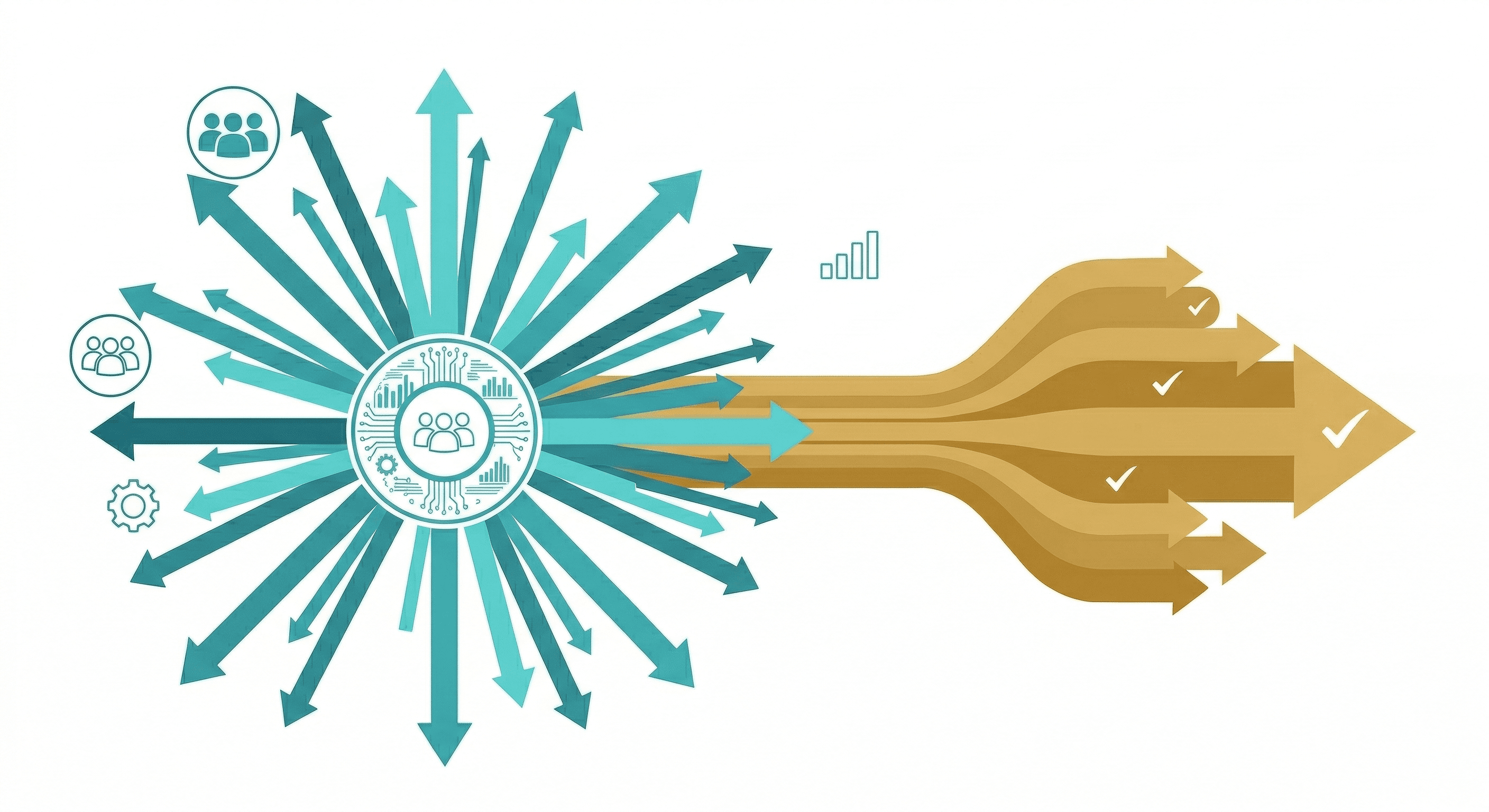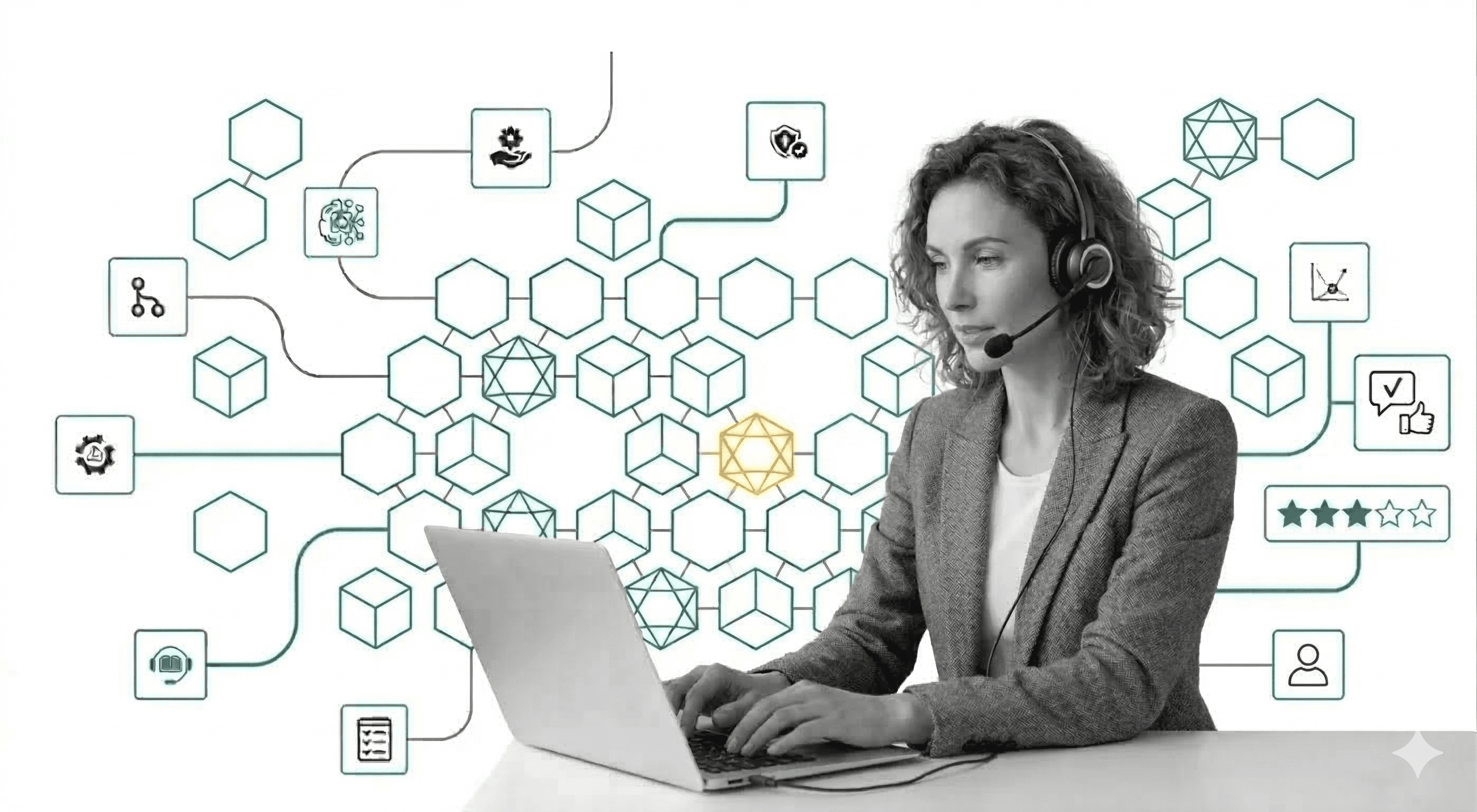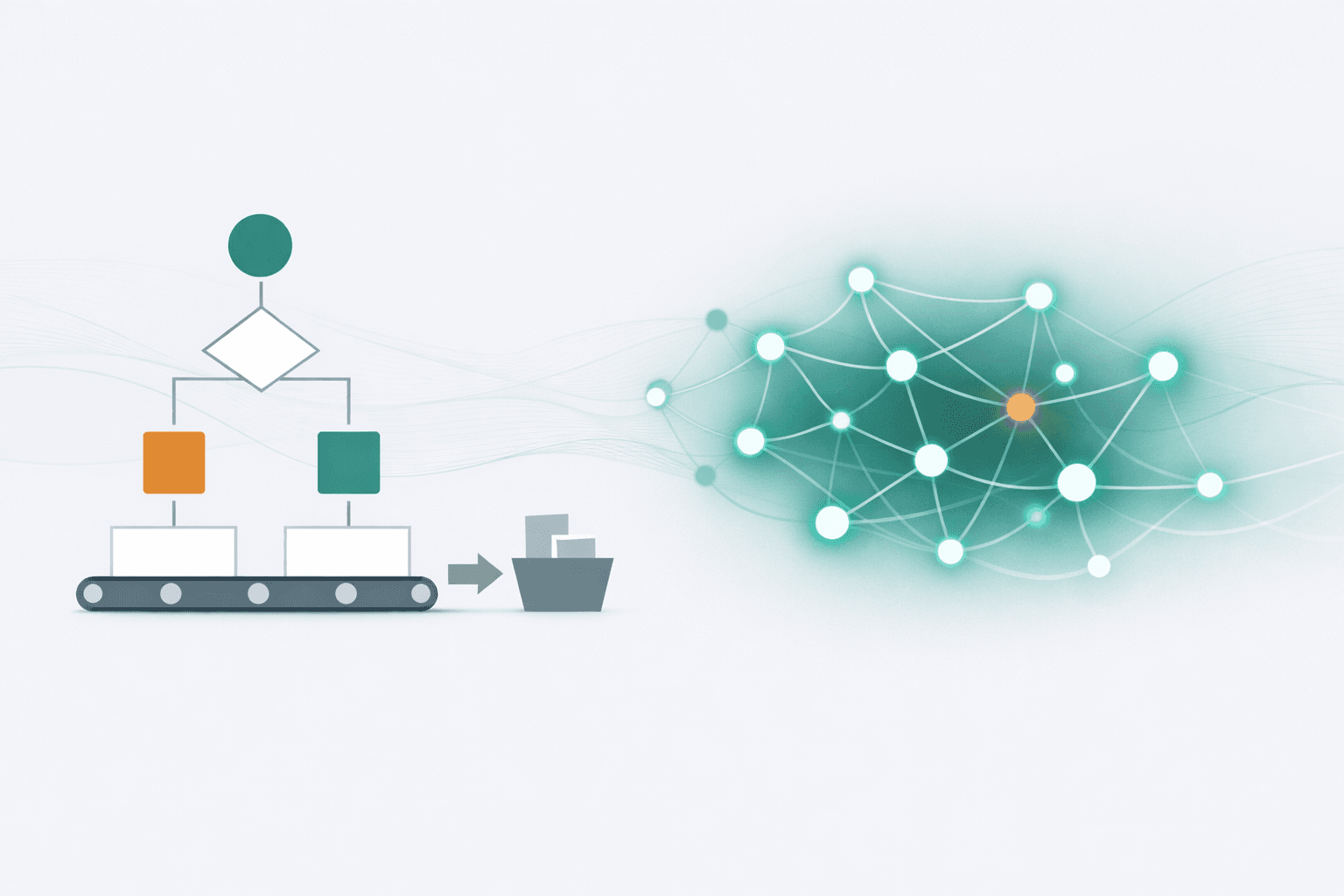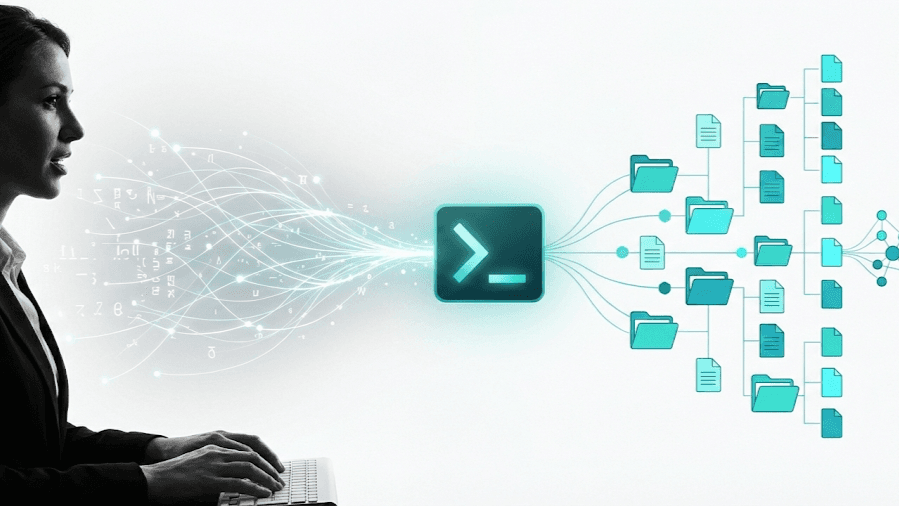
Natural language is now the interface to your project management system. It's easier than you think, provided you apply a good context management strategy. (Provided that your team is willing to get a little technical.)
A New Interaction Model
The emergence of sophisticated LLM CLIs. Tools like Claude Code, Codex, and their successors, has opened up new possibilities for how teams manage projects. These tools excel when they have direct access to rich, structured context in local file systems.
This creates an opportunity: what if your project management infrastructure was built on the same foundation that LLMs navigate best?
The sweet spot we've found is deceptively simple: GitHub combined with Claude Code.
This approach shifts how teams interact with their project infrastructure—from clicking through interfaces to conversing in natural language.
Natural Language as the Interface
With CLI tools like Claude Code, the interface layer for project management has been abstracted away.
When your team can interact with your entire system through natural language—asking questions, updating status, generating reports, creating tasks—the interface becomes conversational rather than visual.
The key question becomes: Which system gives an LLM the richest, most accessible context to work with?
Git repositories and issue trackers answer this well. They store everything as files and structured data that LLMs can directly read and manipulate. And with natural language as the interface, these tools become accessible to everyone on the team—not just developers.
Why GitHub + LLM CLI Is the 2026 Sweet Spot
1. Enterprise-Grade Permissions Without Building Anything
For medium-sized businesses and enterprises, permission management is non-negotiable. You need to control who sees what, who can edit what, and maintain audit trails of who did what.
GitHub's permission model is battle-tested across organizations of all sizes, including 90% of Fortune 100 companies. Teams, roles, repository access, branch protection—it's all there. When you use GitHub as your project management foundation, you inherit this entire permission infrastructure without building or configuring anything custom.
Your project managers can have read access to certain repos. Your executives can see high-level project boards. Your contractors can be limited to specific issue labels. The LLM, operating through authenticated CLI sessions, respects all of these boundaries automatically.
2. True File System Integration
LLM CLIs excel at searching local file systems. They can find exactly the right information when they need it, navigate complex directory structures, and synthesize context from multiple files. This is where Git-based project management shines.
With GitHub, your project data syncs to local. You can pull it down, work with it offline, manage branches, and push changes. The GitHub CLI gives your LLM CLI full read and write access to everything—issue content, documentation, code, configuration—all in one coherent local file system.
This direct file access enables capabilities that require no API integration work: the LLM can search across your entire project history, cross-reference documentation with issues, and update multiple files in a single operation. Your Claude Code genuinely helps manage your project because it has the same access to context that you do.
3. Flexible Structure That Grows With You
GitHub repositories don't impose a structure on you. You decide how to organize your projects - by team, by product, by customer, by workflow stage. Markdown files can capture whatever context matters to your organization.
This flexibility becomes powerful when combined with LLM assistance. You can evolve your structure over time, and the LLM adapts. No migration headaches, no restructuring your entire workspace because you've outgrown the tool's assumptions.
4. Issues as a Data Layer, Not Just a Task List
Here's a mental model shift that unlocks significant value: GitHub Issues aren't just a to-do list. They're a structured data layer that feeds into everything else.
In a GitHub + LLM workflow, issues become the source of truth that flows downstream into documentation, changelogs, status reports, and content updates. Rather than treating tasks as isolated items to check off, the system treats them as connected nodes in your project's knowledge graph.
You can sync issue content directly into your repository as markdown files. This content then becomes available to the LLM as context for updating documentation, generating release notes, answering questions about project history, and making decisions about next steps.
The boundary between "project management" and "project content" dissolves. Your task tracker becomes part of your knowledge system.
5. GitHub Projects for Visual Overview
Sometimes you need the kanban view. You need to see what's in progress, what's blocked, what's done. GitHub Projects provides exactly this - a visual layer on top of issues that shows what is where.
The key is that this visual interface is additive, not primary. It's one way to view and interact with data that also lives in issues and files. You can manually drag cards around, or you can issue a natural language command to move items between states. The flexibility of having multiple interfaces to the same underlying data is precisely what makes this system powerful.
Since GitHub Projects can span repositories, you can create views that aggregate across your entire organization. A project per customer, each in their own repo with appropriate access controls, but consolidated views for leadership that show status across all engagements.
6. GitHub Actions: Event-Driven Automation with Full LLM Power
This is where the architecture really shines.
GitHub Actions lets you trigger automations based on events: an issue gets a certain label, a PR is created, an issue is closed, a branch is merged. Traditional automations handle scripted operations—move a card, send a notification, update a field.
With LLM CLIs, you can now run intelligent agents inside an Action.
When an issue gets labeled "needs-research," Claude Code can automatically investigate related issues across projects, pull relevant information from documentation, and add a detailed context summary to the issue. It can open a PR with updated documentation and wait for human review before merging.
When a feature ships, the LLM can generate changelog entries, update user-facing documentation, and create summary posts for internal communication - all triggered automatically, all with full access to the project context.
This goes beyond moving data between systems. You're running advanced LLMs, with full project context, inside your automation workflows—enabling intelligent responses to events rather than just data synchronization.
7. Open Analytics: Build Your Own Insights
GitHub exposes everything: timestamps, user labels, comments, edits, state changes, relationships between issues. It's all available via API or CLI, with no restrictions on what you can query or how you can combine the data.
What metrics matter to your team? That's for you to decide. You can ask your LLM to generate the exact queries you need. Custom reports, specialized tables, insights that reflect your specific workflow—all generated on demand through natural language requests.
8. Data Portability: Sync Anywhere
Because the data is open, you can pipe it wherever it needs to go. Write a script or Action to sync project data into MongoDB for advanced querying. Push it to Supabase for a custom dashboard. Export to Google Sheets for stakeholders who prefer spreadsheets.
This portability protects you from lock-in and lets you build exactly the reporting infrastructure your organization needs.
How We've Actually Implemented This
The theoretical advantages only matter if they translate to practice. Here's how this actually works when a team adopts this approach.
The LLM Is the Primary Interface
The crucial shift: your team interacts with the project system primarily through natural language.
You don't train people on GitHub's interface. You don't walk them through issue templates or label hierarchies. You give them access to the LLM CLI, and they ask questions and give instructions in plain language.
- "What's the status of the Anderson project?"
- "Add a task to improve the onboarding flow - I think the third step is confusing new users."
- "Update the product board to show we've started the API integration."
- "Generate this week's standup summary."
The LLM handles the translation to GitHub operations. It creates the issue with appropriate labels, updates the project board, generates the summary from recent activity. Team members don't need to know the underlying system mechanics.
Custom Commands as Reusable Skills
Over time, you develop standard workflows that recur across projects. Initiating a new client engagement. Running a weekly review. Triaging incoming requests. Closing out a project phase.
For each of these, you build custom commands - we call them "skills" - that encode the workflow. A skill for "new-task" that asks the right questions about requirements, dependencies, and acceptance criteria. A skill for "weekly-summary" that pulls activity from the past week and formats it for stakeholder consumption. A skill for "close-phase" that ensures all documentation is updated before marking work complete.
These skills have full access to project context. They ask clarifying questions based on what's actually happening in the project. They apply your organization's best practices automatically.
Pro tip: Let the LLM generate your skills. Instead of manually writing these commands, describe what you want and let Claude or your CLI tool create the skill. Review and refine it, but let the AI do the drafting. These tools are remarkably good at creating and managing their own instruction sets.
You can run skills locally, or configure them as plugins that work consistently across all projects.
Building the Context Graph
The repository becomes more than file storage - it becomes a context graph that the LLM navigates.
Project documentation, guides, best practices, standard operating procedures - all captured in markdown files with links between them. The LLM uses these links to navigate, finding the right information for any given question.
This structure compounds over time. Every decision documented, every procedure refined, every exception captured - it all becomes part of the context the LLM can draw on. You're building institutional memory that doesn't walk out the door when team members leave.
The key is designing for LLM navigation. Use clear headings, explicit links between related documents, and consistent naming conventions. Think of it like building a well-organized wiki, except your primary reader is an AI that will synthesize and apply this information on behalf of your team.
Guided Workflows Through Natural Language
When a team member needs to complete a specific project task - creating a new project brief, updating a status report, closing out a deliverable - the LLM guides them through it.
The command knows what information is typically required at this stage. It asks targeted questions based on the current project state. It presents relevant options based on past decisions and documented procedures.
This isn't a static form or template. It's a dynamic conversation that adapts to context. If there's a dependency that isn't resolved, the LLM asks about it. If a related task suggests a consideration, the LLM surfaces it.
The result: consistent, complete information capture without rigid process enforcement.
Authentication and Audit Trail
Because everyone authenticates through the GitHub CLI, every action has attribution. Comments and issues show which user interacted with the system. Even when the LLM is doing the heavy lifting, the human who initiated the action is clearly recorded.
This provides both visibility and security. You know who did what. You can review AI-assisted changes before they're committed. The audit trail is built into the infrastructure.
Beyond Text: Full File System Access
Since this is fundamentally a file system, you're not limited to text content. Include PDFs, images, design files - whatever your project requires.
The LLM can use these as context. Extract information from documents, summarize relevant sections, reference visual assets when answering questions. The file system is the integration layer.
What This Enables That Wasn't Possible Before
Standups That Actually Inform
Daily and weekly standups can now be driven by automatic insights generated from project activity. The LLM reviews what's changed, what's blocked, what's approaching deadline, and generates an agenda that focuses discussion on what actually matters.
No more going around the room with rote status updates. The system already knows the status. The meeting becomes about decisions and unblocking, informed by a comprehensive view of project state.
Reduced Context Overhead
Context work—finding information, synthesizing status, ensuring consistency—consumes significant team time. When the LLM handles this continuously, that overhead shrinks. Team members spend less time searching and more time on substantive work.
Context becomes manageable in a way it wasn't before. The LLM serves as a continuously available assistant that knows where everything is and can synthesize information on demand.
Onboarding That Actually Works
This might be the most underrated benefit: what happens when someone new joins a project.
With a well-structured context graph, a new team member can ask the LLM about project history, decision rationale, current state, and relevant procedures. They get up to speed by asking questions and receiving answers grounded in the actual project record—available any time, without waiting for a colleague to be free.
- "Why did we decide to use vendor X instead of vendor Y?"
- "What's the history of this feature request?"
- "Who usually handles this type of issue?"
The LLM has access to the decision trees, the documented reasoning, the historical context. Knowledge that used to be tacit becomes explicit and accessible.
Honest Limitations and Caveats
This approach isn't universally applicable. Here's where it falls short:
Technical Comfort Level
This approach works best for teams comfortable with text-based tools and file-based workflows. That doesn't mean software developers only; project managers, operations leads, and knowledge workers who are at ease with structure documents and command-line interfaces will adapt quickly.
Teams that rely heavily on visual, drag-and-drop interfaces may face a steeper learning curve. The natural language interface lowers the barrier significantly, but someone on the team still needs to set up the initial structure, configure skills, and troubleshoot when things don't work as expected.
The good news: once the foundation is in place, day-to-day interaction is conversational. The technical lift is front-loaded.
Large Media Files
Git repositories aren't designed for large binary files. If your projects involve extensive video, large design files, or other multimedia assets, you'll need a supplementary system.
The workaround is to use S3 or a similar object storage for large assets, with access control managed separately. You can reference these assets from your markdown files while keeping the heavy storage elsewhere.
The next frontier here would be LLM CLIs that work with Google Drive or OneDrive for cloud-synchronized file access. That integration isn't mature yet, but it's coming.
Deeply Integrated Data Environments
If your project data is tightly coupled with existing enterprise systems - your CRM, your ERP, your proprietary databases - you may need specific Model Context Protocol (MCP) integrations to give the LLM appropriate access.
This is solvable but requires additional setup beyond the base GitHub + CLI combination.
Highly Complex Requirements
For organizations with specialized requirements around compliance, governance, or complex approval workflows, this approach might require significant customization.
Some organizations have needs that require purpose-built solutions with specific certification or compliance features. If you're in that category, you probably already know it.
The Transition Mindset
Context Management is the foundation. The power of AI-assisted workflows comes from giving LLMs rich, accessible context—your project history, documentation, decisions, and current state all available for the AI to draw on. File-based systems built on open standards make this context naturally accessible.
Adopting this approach requires a genuine mind shift. It's not just swapping tools; it's redesigning how your company creates, manages, and accesses information. That's real change, and it takes time.
The good news: you can adopt incrementally. Start with one project or one team. Build your context structure. Develop your skills. Let the benefits demonstrate themselves before rolling out broadly.
The further good news: the benefits extend beyond what we've covered here. Once you have this infrastructure, capabilities emerge that are difficult to anticipate - synthesis across projects, pattern recognition in workflows, automation that would have been impossible to script manually.
Getting Started
If this resonates, here's a practical path forward:
- Pick a pilot project. Something substantive but contained. New projects are easier than migrating existing work.
- Set up the basic infrastructure. A GitHub repository with a sensible structure. Claude Code or your LLM CLI of choice with GitHub CLI access.
- Build your initial context. Document your procedures, best practices, and project background in markdown files. Create the beginning of your context graph.
- Start using natural language as your interface. Resist the urge to do everything through the GitHub UI. Ask the LLM to create issues, update status, generate summaries.
- Develop your first skills. Identify repetitive workflows and let the LLM generate commands for them. Review, refine, and reuse.
- Iterate based on friction. Where does the system slow down? What context is missing? What questions can't the LLM answer? Each gap is an opportunity to improve your structure.
The tools are ready. The interaction model works. The question is whether your team is ready to try a different approach to managing projects.
In 2026, the sweet spot isn't a specific app or platform. It's an architecture that puts AI at the center of how work gets done. GitHub + LLM CLI is that architecture.
We've been using this approach ourselves. The most noticeable change: context that used to exist only in people's heads is now captured, accessible, and compounding over time. The daily friction of project management—finding information, updating status, keeping everyone aligned—has decreased as the LLM takes on more of that work.
When evaluating how to manage projects in 2026, consider how AI will interact with your system. The answer matters more than it used to.